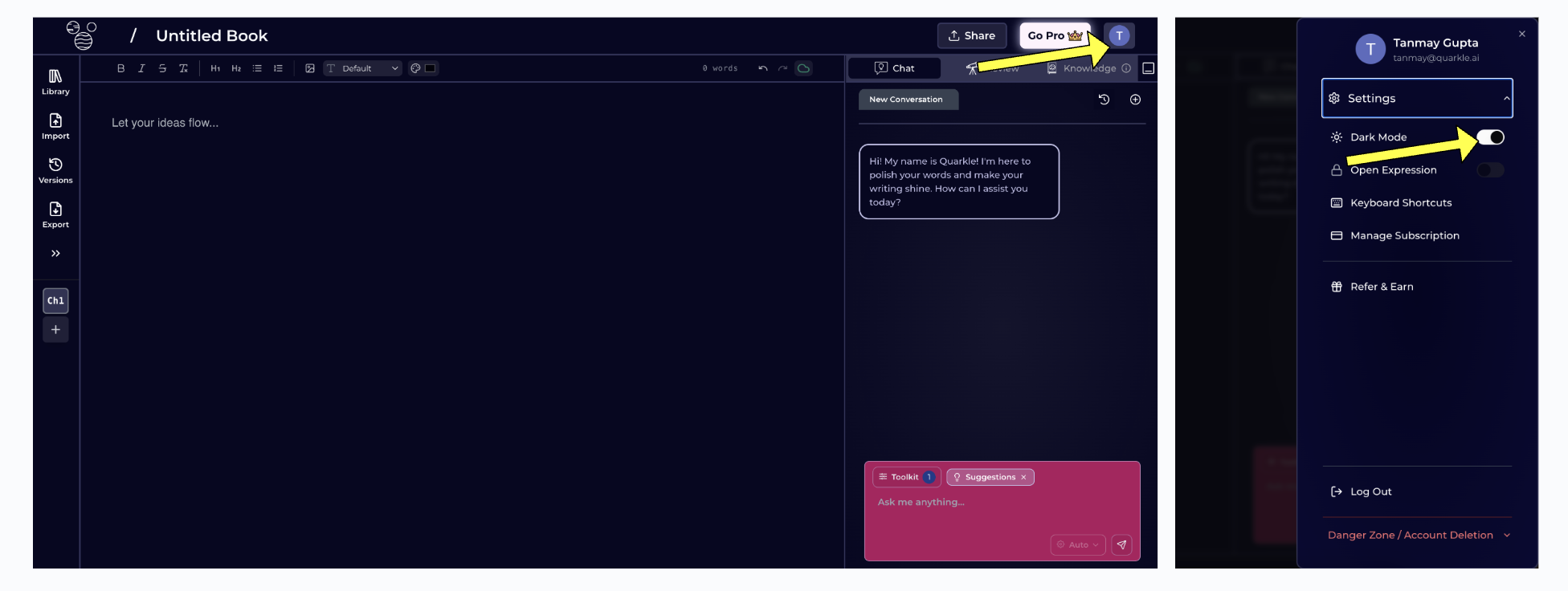

Quarkle’s platform supports both Light and Dark modes. The default is to update the mode based on your local time.Documentation Index
Fetch the complete documentation index at: https://quarkle.mintlify.app/llms.txt
Use this file to discover all available pages before exploring further.
Past 5pm, Dark Mode will be automatically enabled.