
Documentation Index
Fetch the complete documentation index at: https://quarkle.mintlify.app/llms.txt
Use this file to discover all available pages before exploring further.
Import a Book to Quarkle
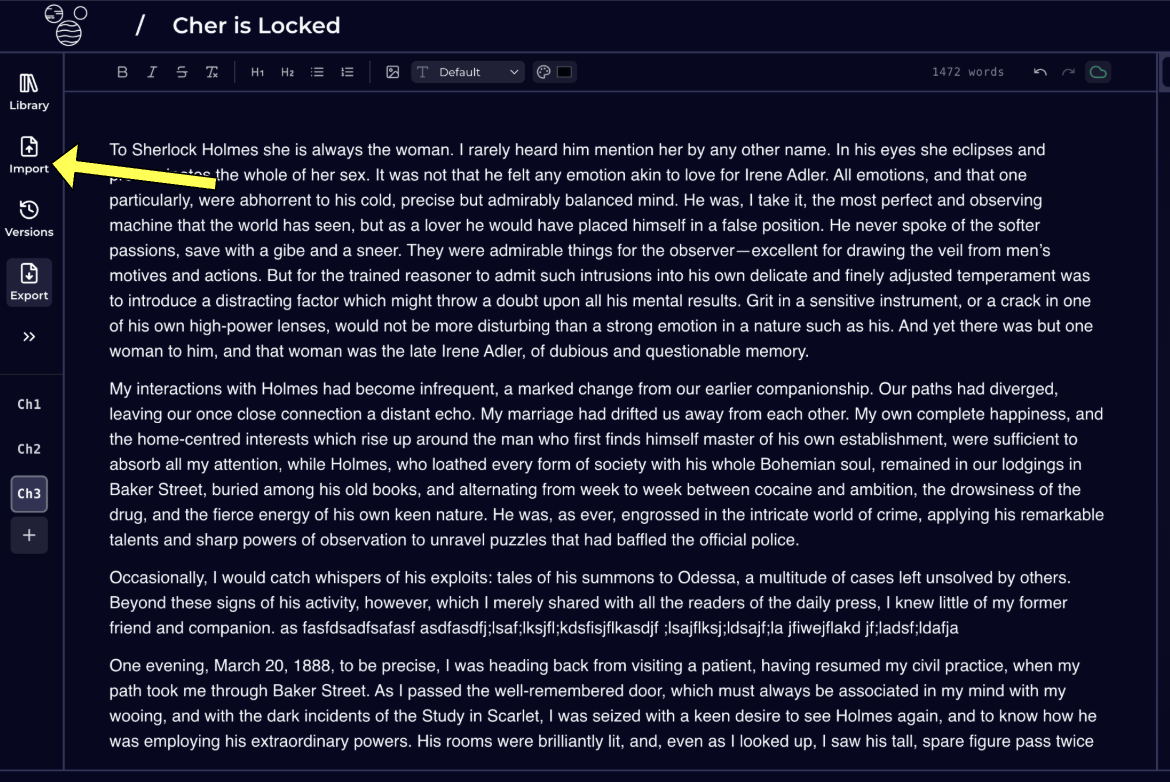
Step 1 - Create a new book or open an existing book Step 2 - Click on Import. Step 3 - Select file from your computer Step 4 - Wait for upload to finish- Quarkle can only process
.pdf,.doc,.docx,.md, and.txtfile extensions. - If the import fails due to timeout, its likely that your file is too large. Please break your file into smaller chunks and import them individually.
- Max file limit is currently set to 5mb.
Download a Book from Quarkle
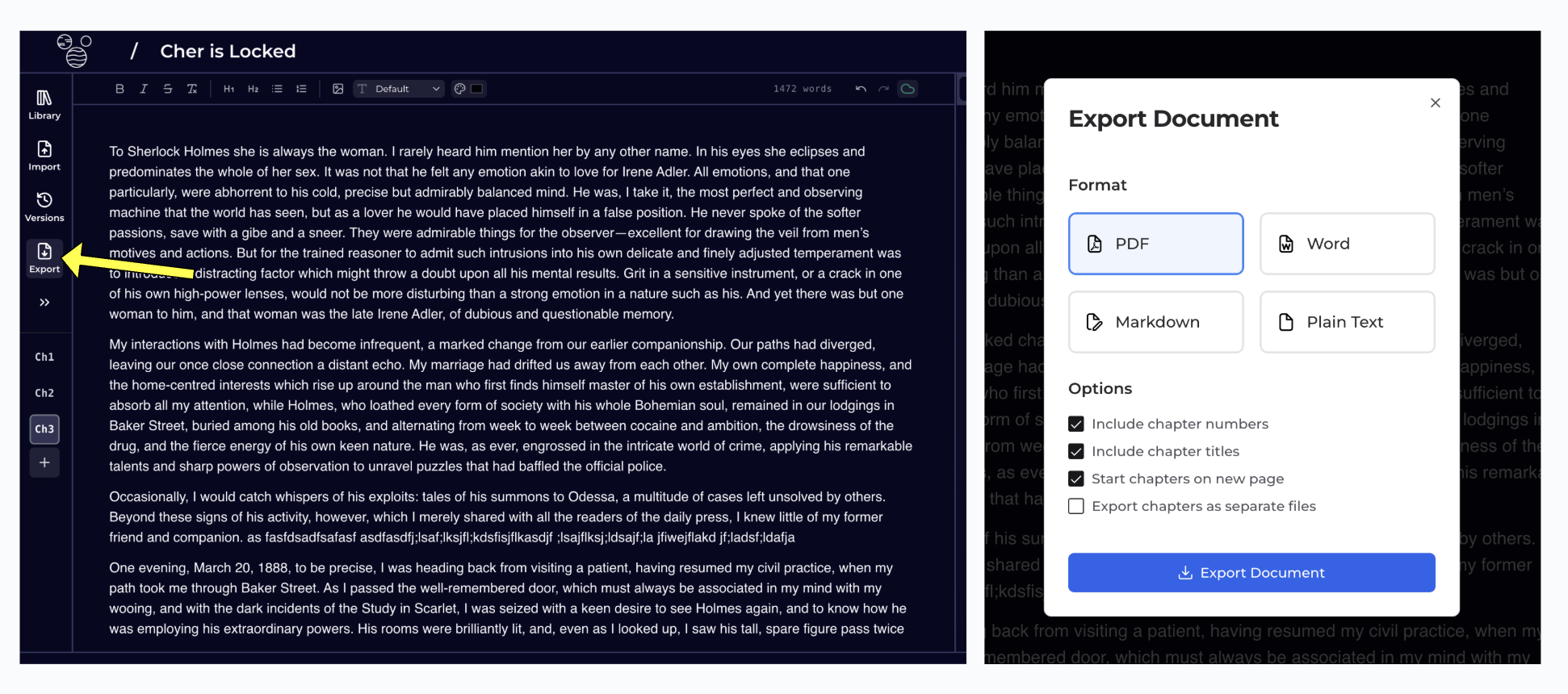
Step 1 - Open Book in Editor Step 2 - Click on Export in the Left Panel Step 3 - Select the desired format, and click on Export Document